

Getting Started with Euler V2
Use the Euler app to supply assets, deposit into EulerEarn, borrow against collateral, or open a Multiply position.
Connecting Your Wallet
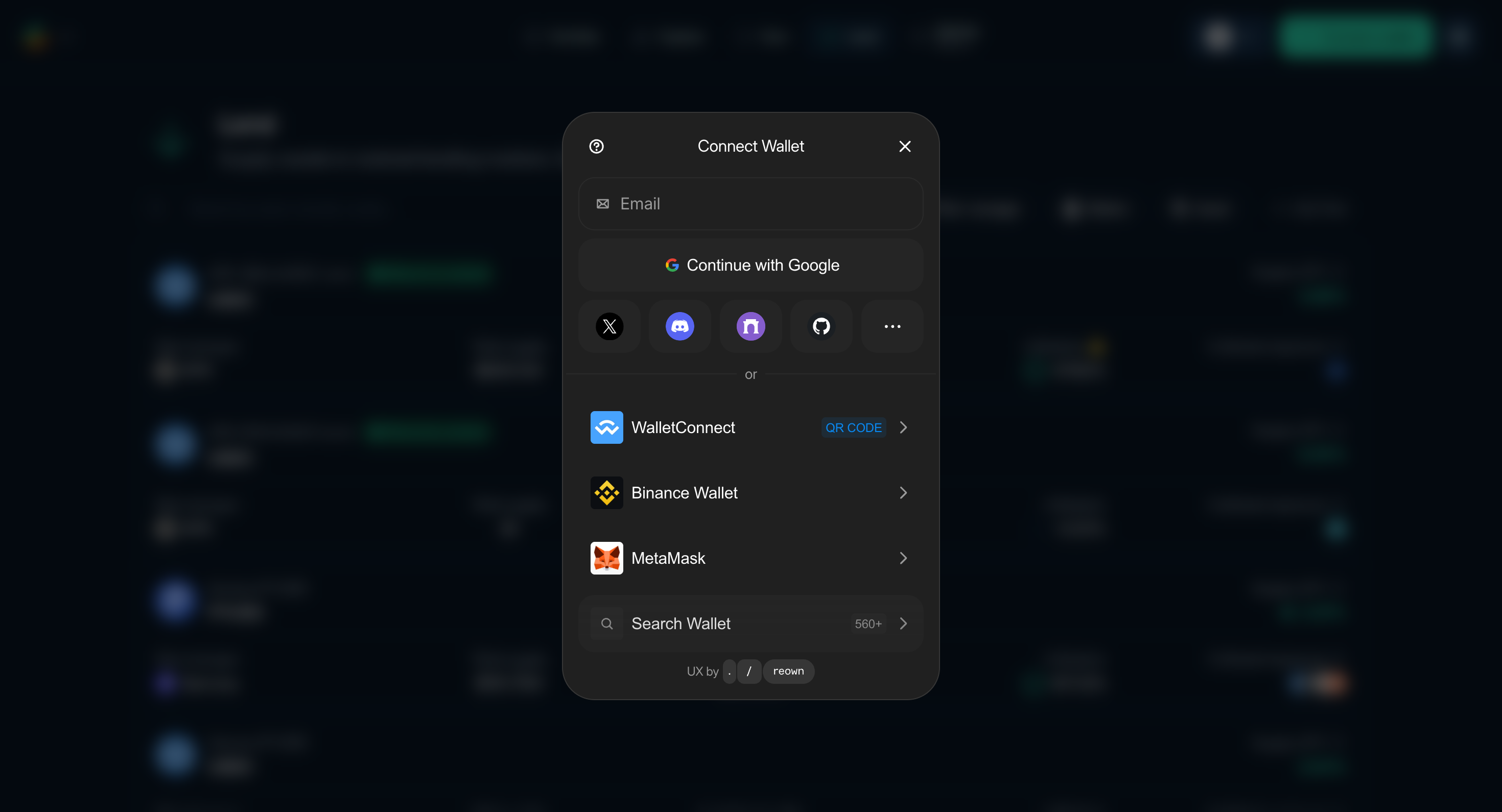
Figure 1: Connect a Wallet modal upon clicking the "Connect" button on the top right
- Open the Euler app.
- Select Connect in the top-right corner and choose a supported browser or WalletConnect wallet.
- Verify the account and network before approving the connection.
Understanding the Interface
The main navigation contains:
- Portfolio: Review Net APY, ROE, supplied and borrowed value, net asset value, positions, deposits, claimable rewards, and account activity.
- Explore: Browse available Euler markets and opportunities.
- Earn: Find EulerEarn vaults that allocate deposits across configured strategies.
- Lend: Find lending vaults and compare Supply APY, curator, exposure, utilization, and available liquidity.
- Borrow: Find collateral/debt pairs. After opening a pair, switch between the Borrow and Multiply forms.
Key Concepts from UI
- Accounts: Direct deposits use your main account (
0). The app generally opens each Borrow or Multiply position in a separate EVC sub-account. - Collateral source: A position can use assets from your wallet or an eligible deposited balance.
- Batched actions: The app can combine compatible position actions into one atomic transaction. An approval or permit may still require a separate wallet prompt.
- Vaults and pairs: Lending uses individual vaults. Borrow and Multiply use a collateral-vault/debt-vault pair.
- LTVs: Borrow LTV determines borrowing power. Liquidation LTV (LLTV) determines when a position becomes eligible for liquidation.
- Health score: A Borrow or Multiply position may become eligible for liquidation when its health score reaches 1 or below.
- Risk management: Review the current curator, oracle, LTVs, caps, and other configurable parameters before using a market.
Where Do My Positions and Deposits Live?
The app stores different workflows separately:
- Direct deposits: Live in your main wallet address (account
0). - Borrow/Multiply positions: The Euler app generally opens each position in a separate sub-account (account 1, 2, 3, etc.), which is a unique address linked to your wallet.
Sub-accounts share the first 19 bytes of the owner address and differ in the final byte. The app manages their selection during normal use.
Continue to Supply assets, Borrow assets, Multiply, or EulerEarn.