

Supply assets
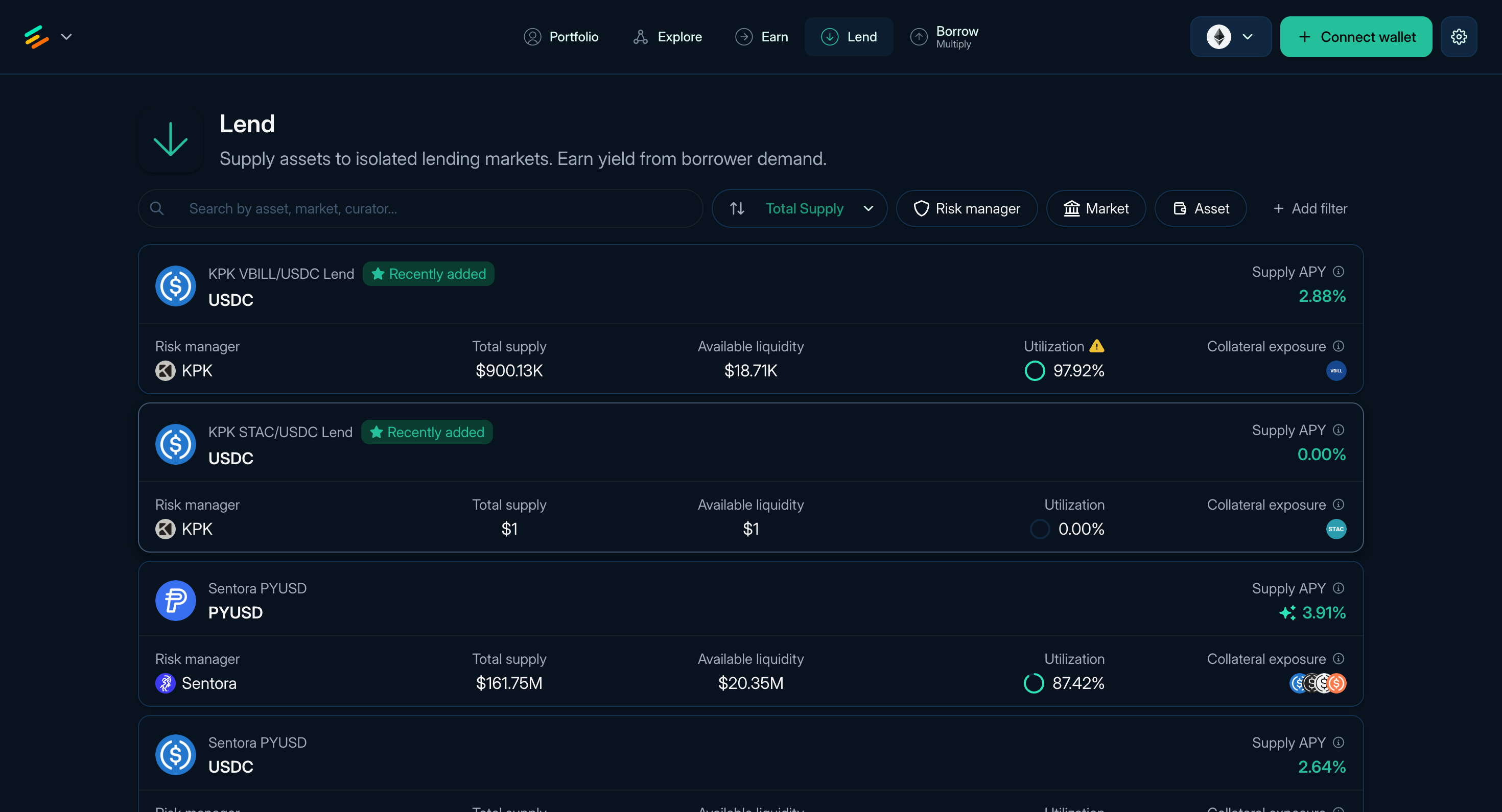
Figure 1: The Lend page of Euler
Supplying assets on Euler means depositing tokens into a vault. Most supply flows deposit into lending vaults, where borrowers may use available liquidity and suppliers receive vault shares that track their claim on the vault's assets. EulerEarn is also a vault-based supply flow: users deposit one asset into an Earn vault and hold shares while the vault allocates across its configured strategies.
Portfolio groups direct deposits under Deposits. They are separate from collateral supplied inside a Borrow or Multiply position, although deposited assets can be selected as a collateral source when opening a new position.
What supplying does
When you supply assets:
- The vault mints shares to your account.
- Borrowers may borrow from that vault if borrowing is enabled and liquidity is available.
- Borrowers pay interest according to the vault's Interest Rate Model.
- The vault share price changes as interest, fees, losses, and other configured mechanics apply.
The displayed Supply APY is an annualized rate based on current or recent conditions. It can change with utilization, rewards, intrinsic yield, vault parameters, and market conditions.
Find a vault
The Lend page (app.euler.finance/lend) lists available lending vaults for supplying assets. The Earn page lists Earn vaults, which are single-position ERC-4626 vaults for curated strategy allocation.
Each row shows the asset, market name where available, curator, Supply APY, total supply, collateral exposure, utilization, and available liquidity. Sort or filter the table, then open a vault to review its live details.
Supply flow
- Choose a vault from Lend or a vault details page.
- Enter the amount to supply.
- Approve token spending if your wallet asks. Euler uses gasless Permit2 signatures by default; to fall back to standard approval transactions, open Settings using the gear button in the top-right corner and disable Gasless signatures.
- Review deposit amount, expected shares, APY, token approval, curator, exposure, utilization, liquidity, and caps.
- Confirm the transaction in your wallet.
After the transaction confirms, the supplied asset appears in Portfolio under Deposits.
Read next: EulerEarn, Review and monitor supplied assets, Portfolio and liquidation, and Managing positions.